Set up your profile
The short first-run wizard: what it asks, why, and what you see at the end.
After you sign up, a short wizard collects what GymCrew needs to rank you fairly and to plan your training. It has 12 screens and every answer can be changed later.
| Step | What you do |
|---|---|
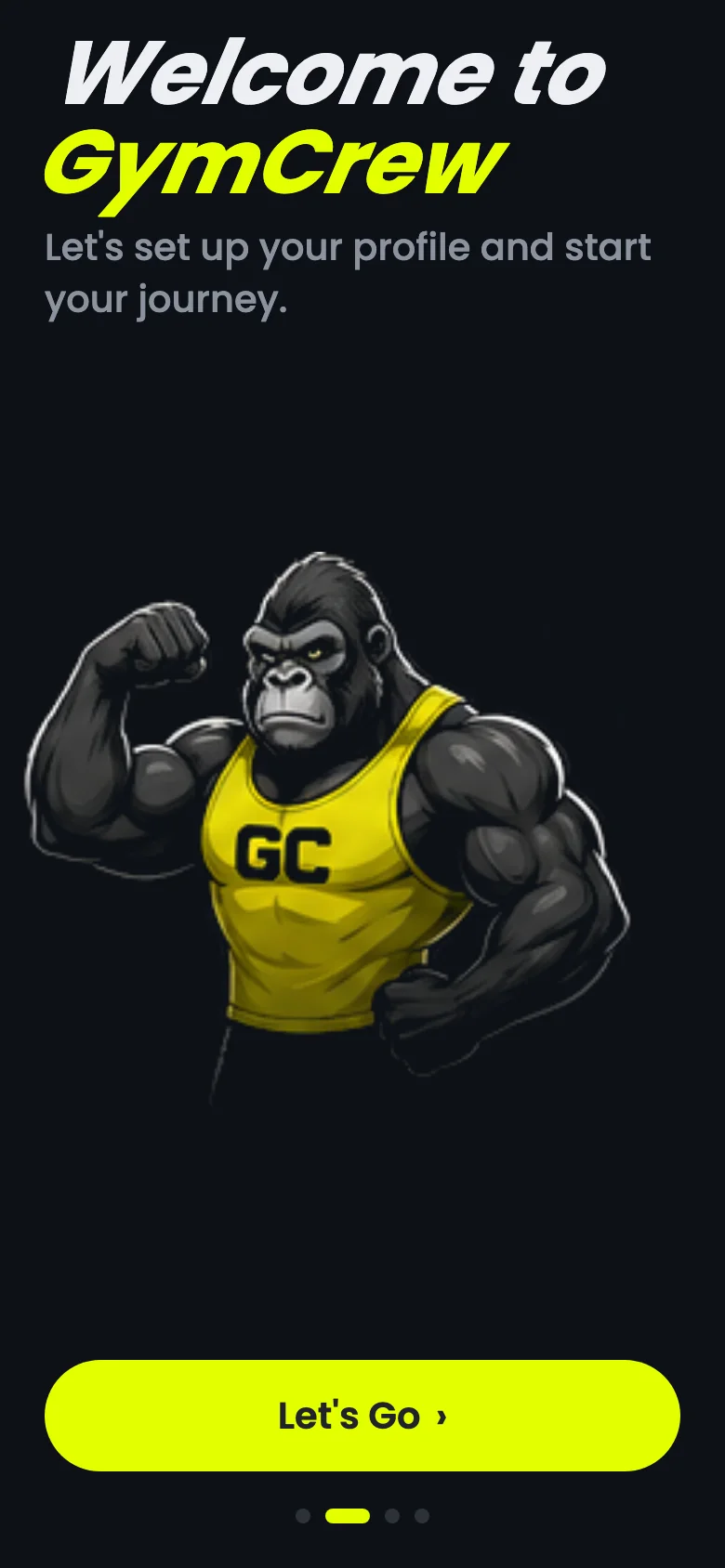
| Intro and welcome | A quick hello. Tap Get started. |
| Personal info | Your full name and a username. The username is checked live so you know it is free. It uses 3 to 20 lower-case letters, numbers or underscores. |
| Your stats | Age, gender, height and weight. Ranks depend on bodyweight, gender and age, which is why these are asked. |
| Your goal | Build Muscle, Lose Weight, Get Stronger, Improve Fitness, Stay Healthy or Other. |
| Training experience | Beginner (0 to 6 months), Intermediate (6 months to 2 years), Advanced (2 to 5 years) or Elite (5+ years). |
| Your metrics | Your best bench press, squat and deadlift (an estimate is fine) and, optionally, your body-fat percentage. |
| Rank reveal | A first look at your rank, built from the lifts you just entered. |
| Workout preferences | Your training split (for example Push / Pull / Legs), workouts per week, typical duration and whether you want the rest timer. |
| Training schedule | Which workout you do on which weekday, or a rest day. |
| Notifications | Turn workout reminders, crew challenge alerts, progress updates and tips on or off. |
| All set | Finish and land on Home. |
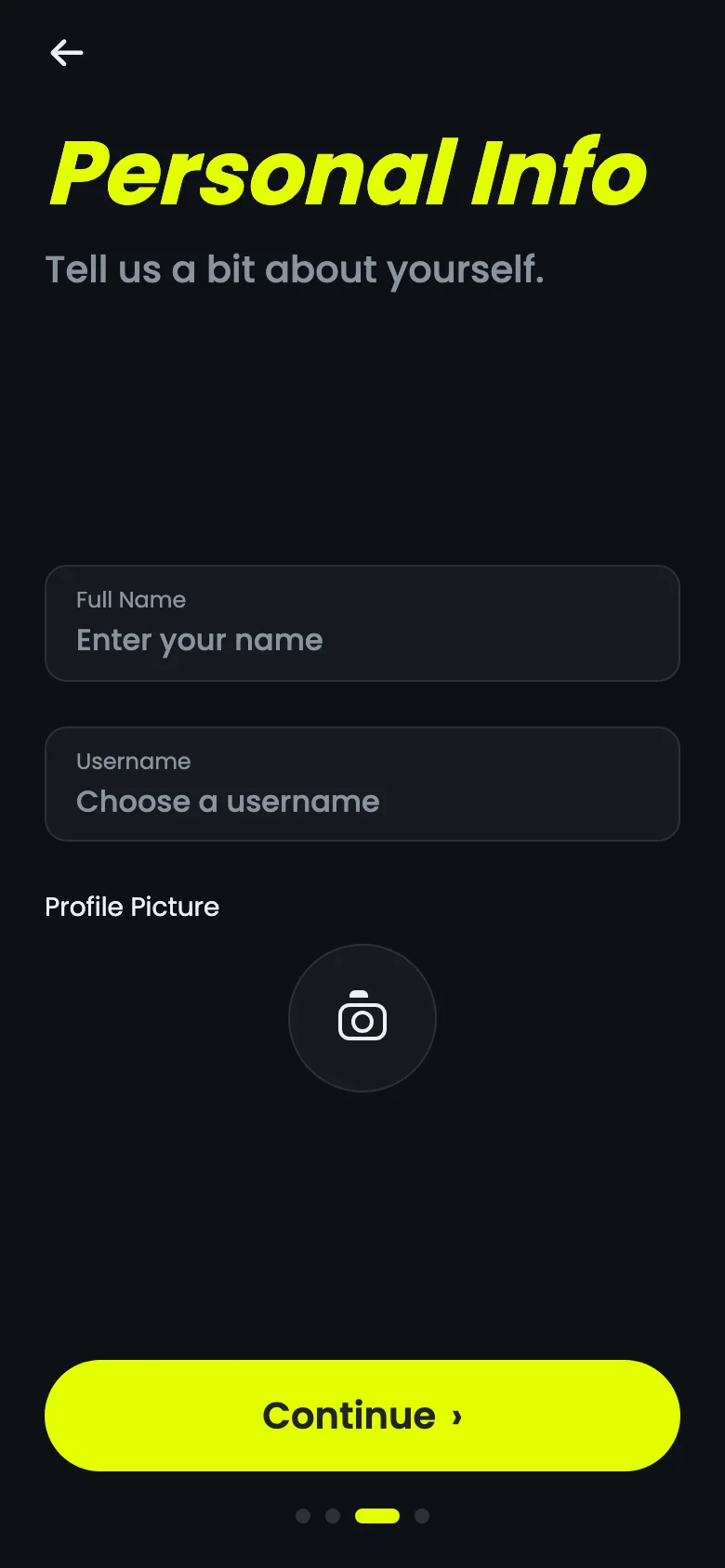
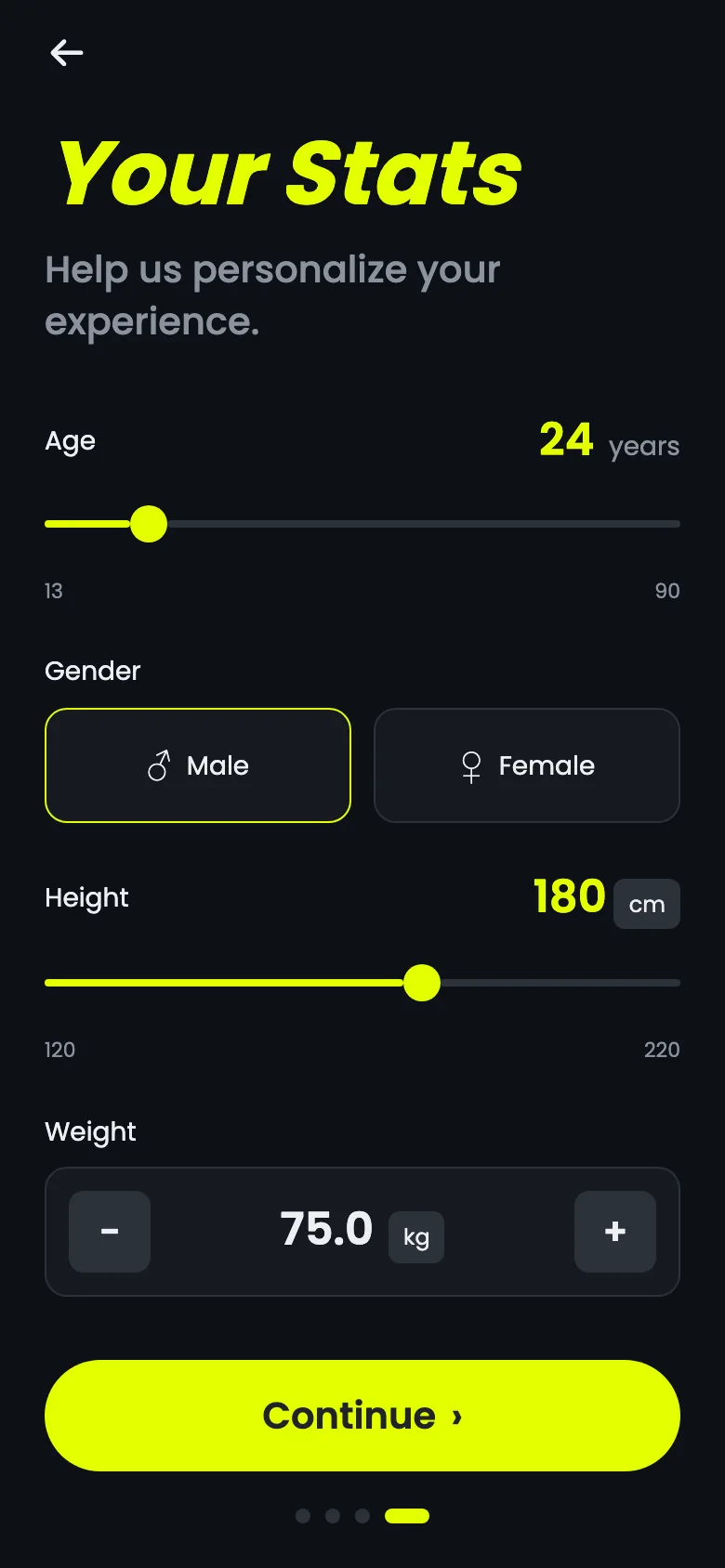
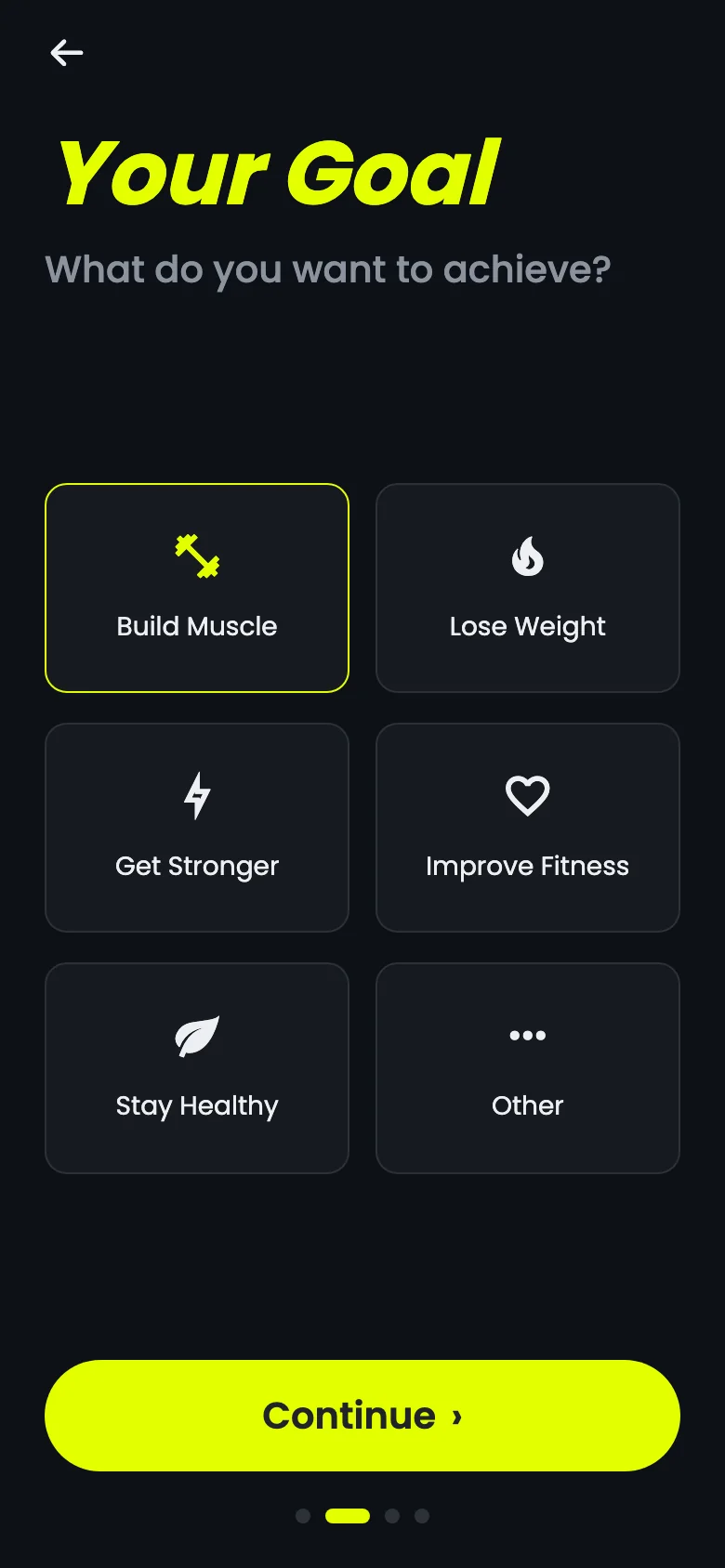
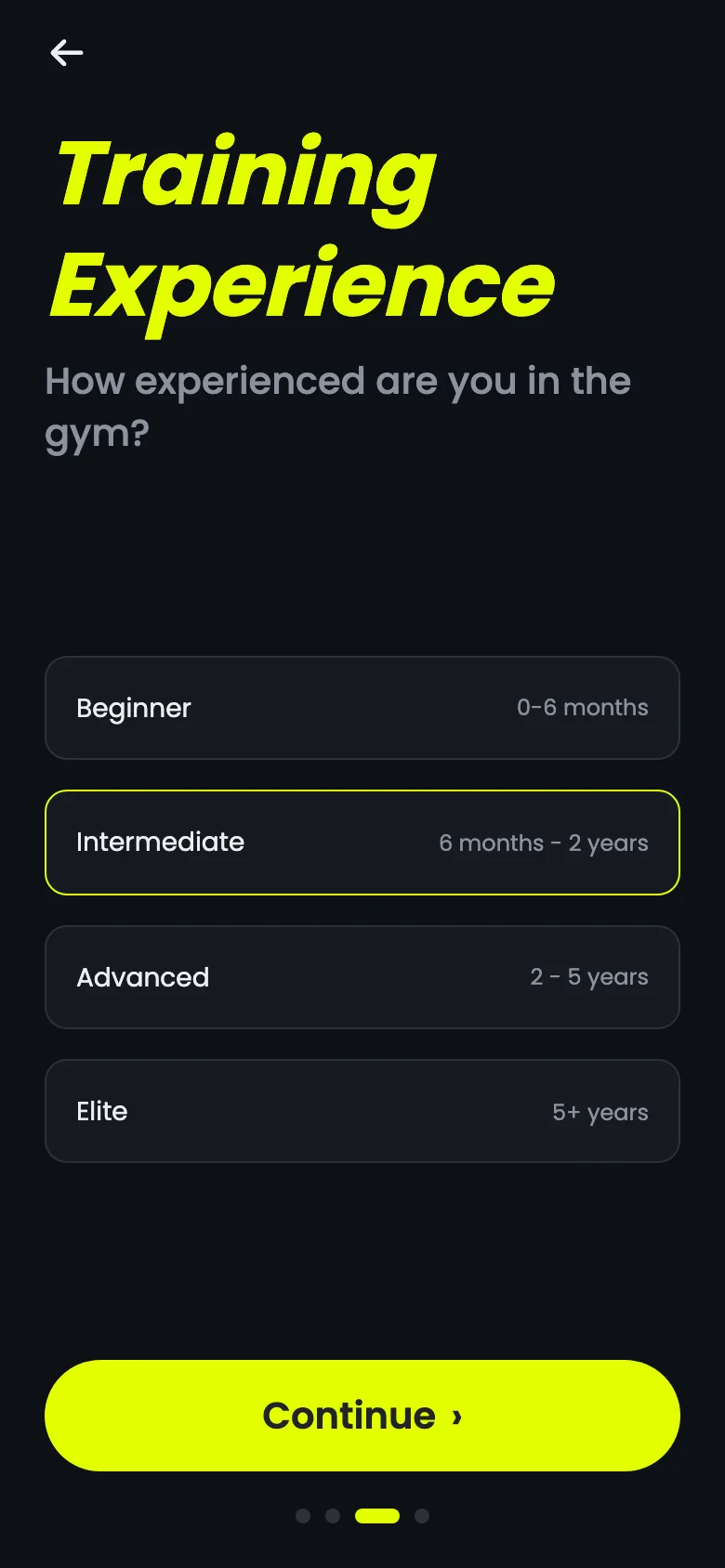
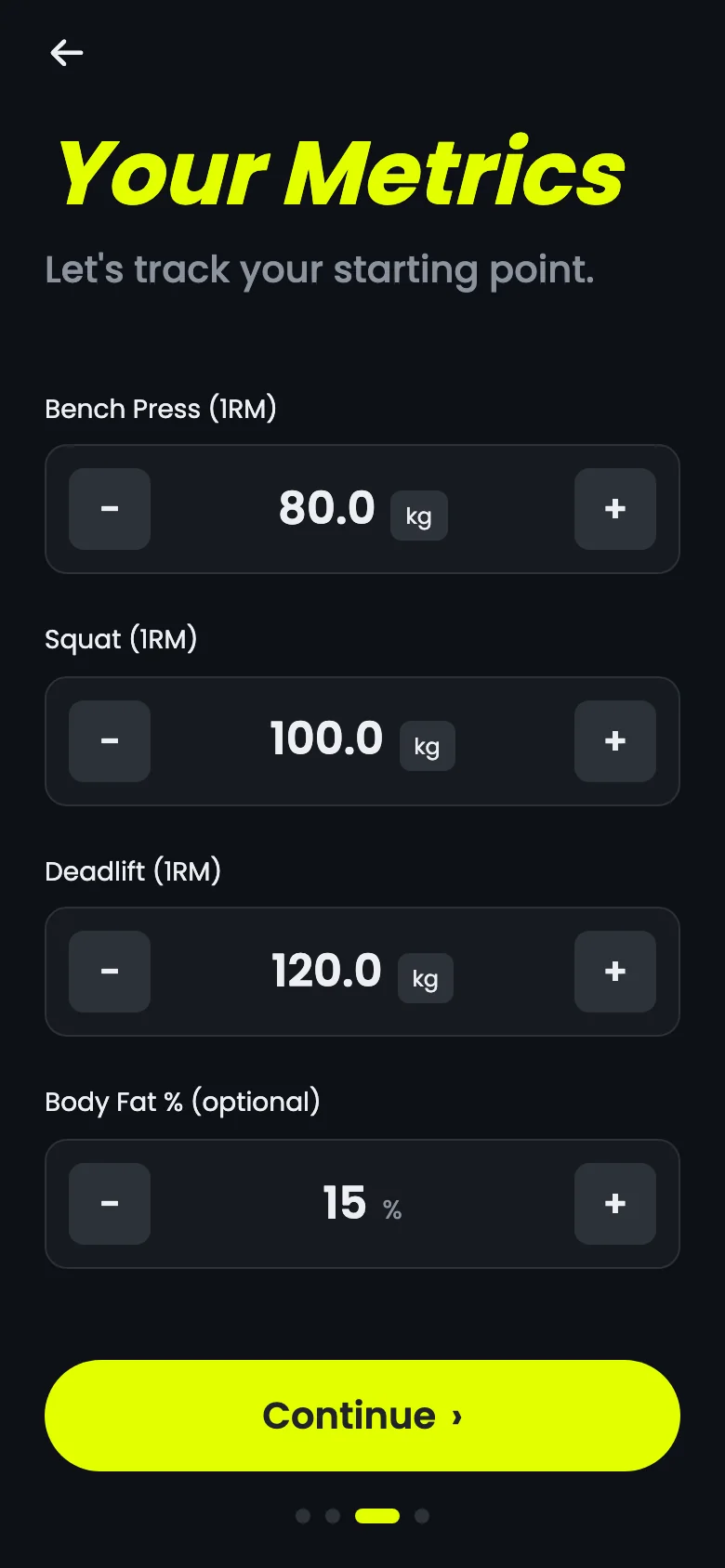
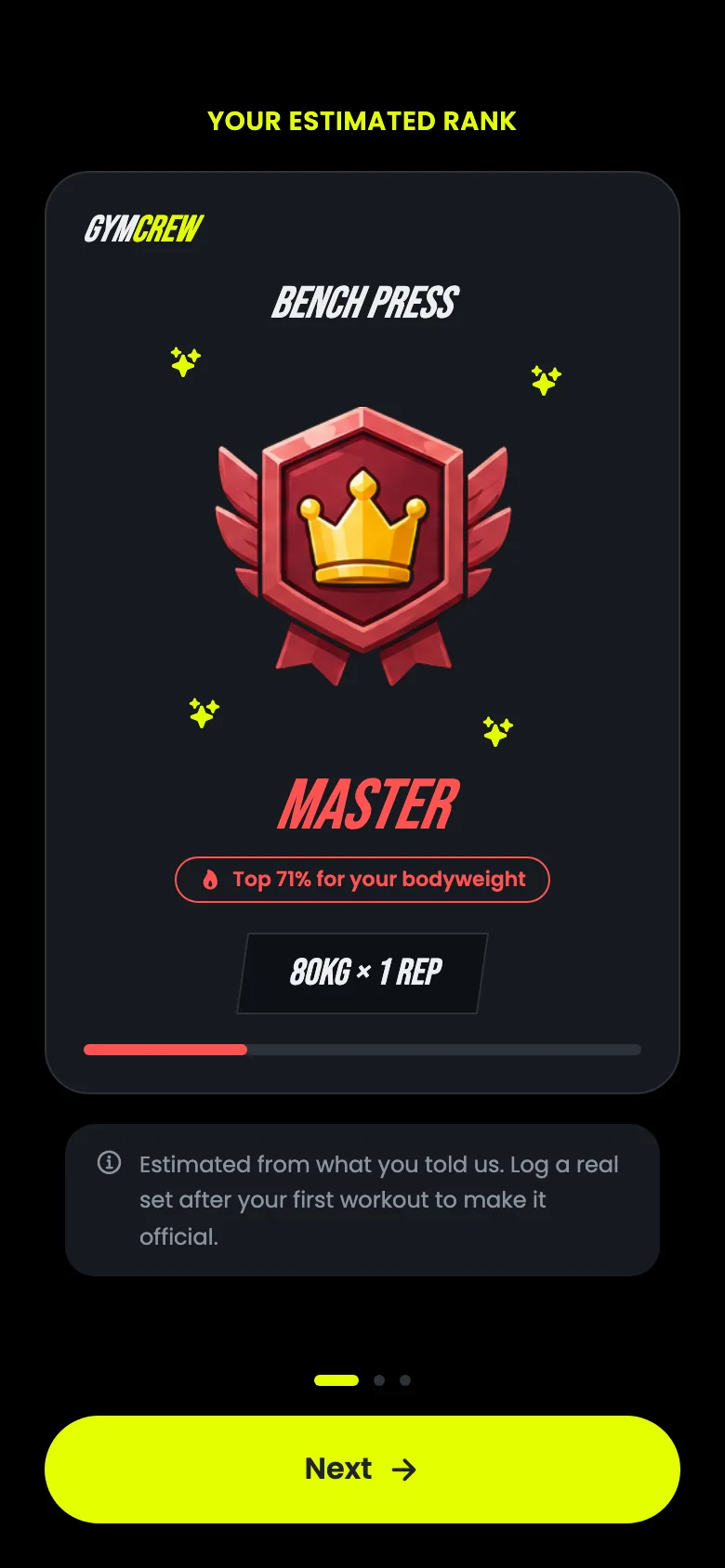
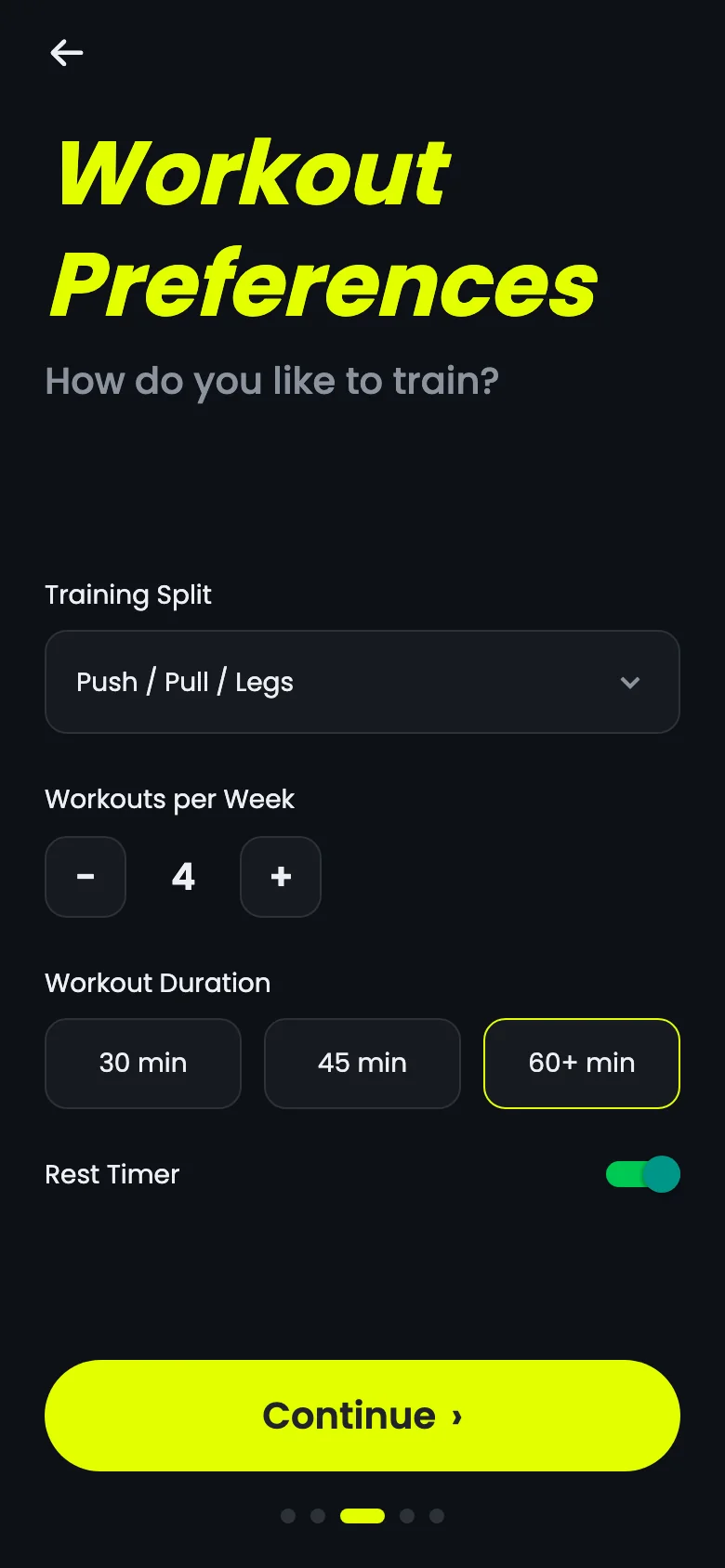
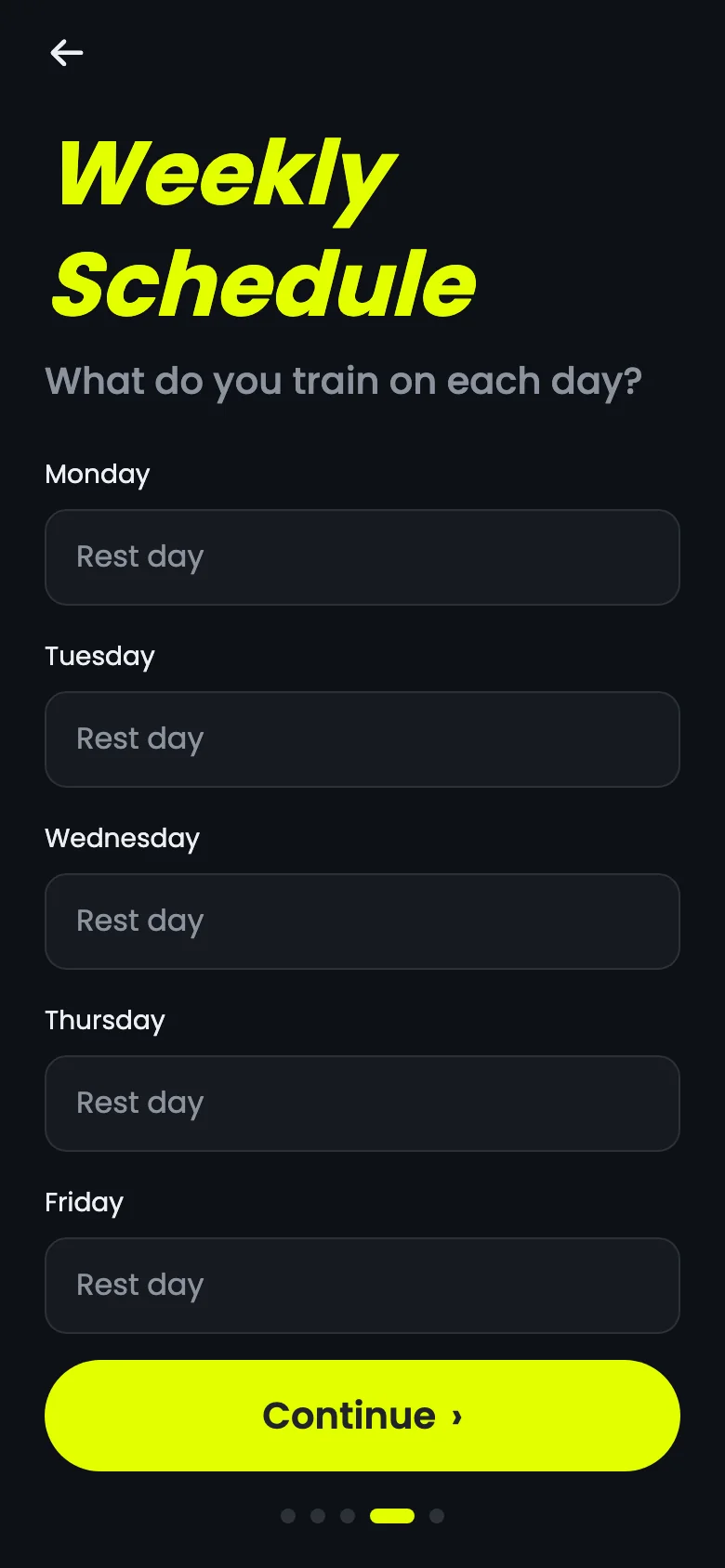
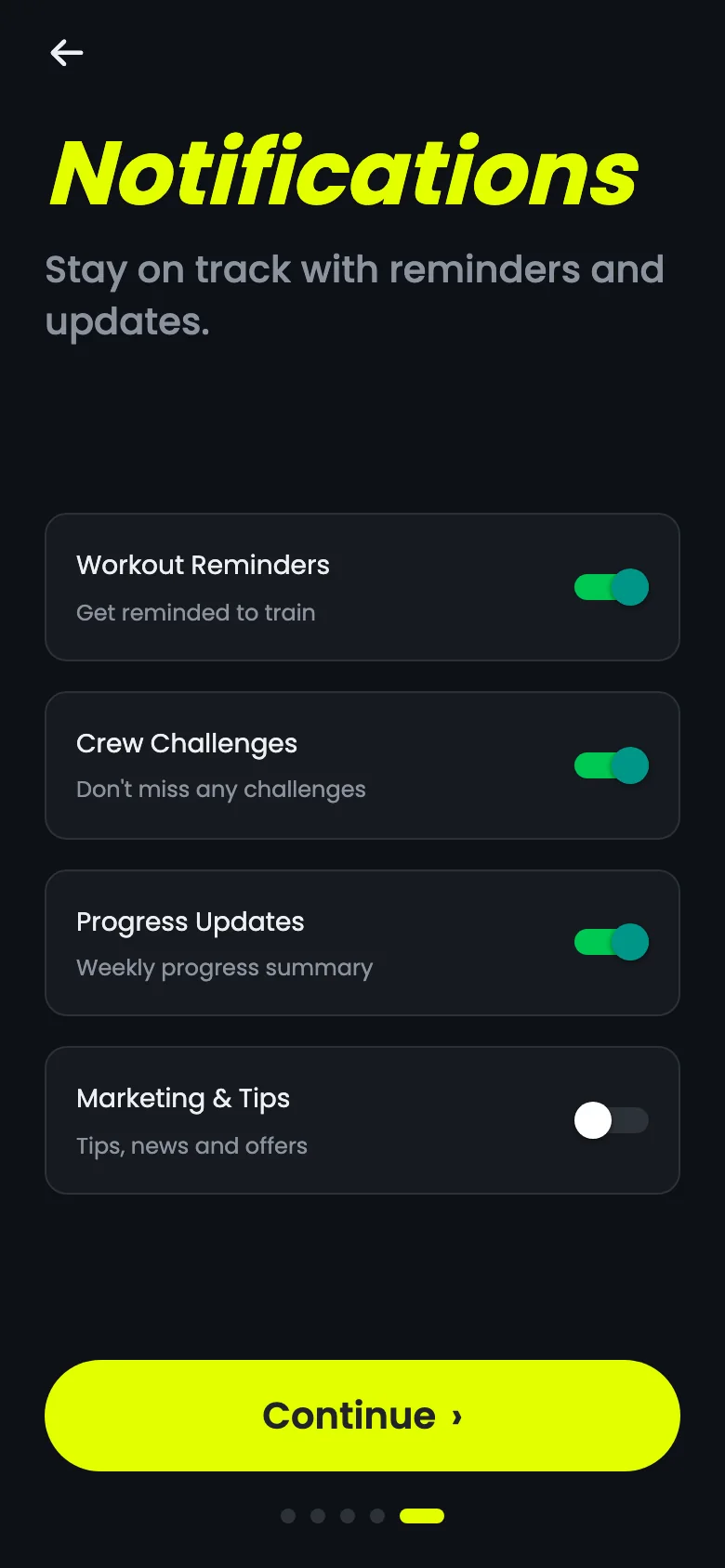
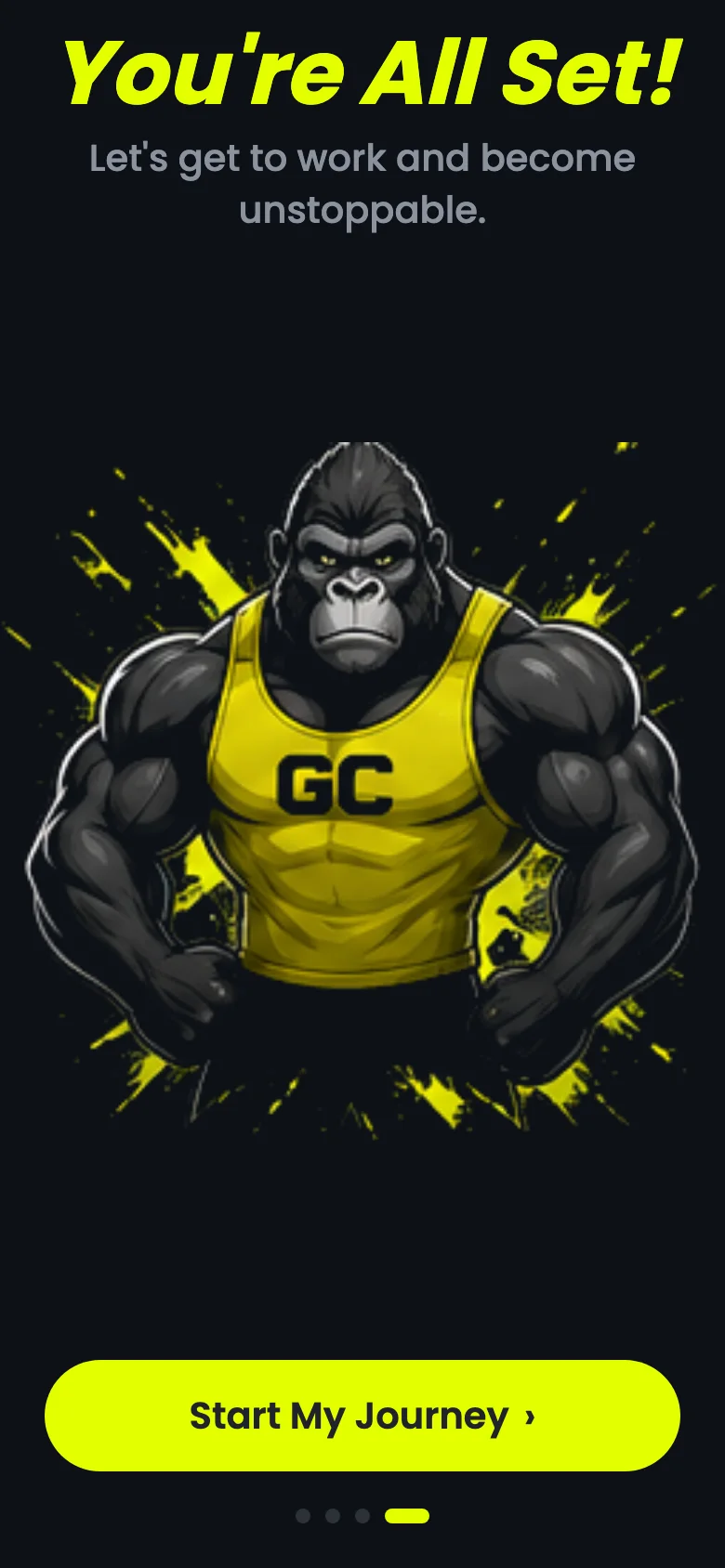
The values you see in these screenshots are the wizard's defaults, not a real person's data.
The rank reveal is a preview, not a record
The rank you see at the end of the wizard is based on the numbers you typed in. It is a motivational preview and is never saved as a personal record. To get a verified rank, log a real set. That is also why workouts you add for past days cannot set records.
Height, weight and units
You can enter measurements in kg or lbs. Behind the scenes everything is stored in kilograms, and your unit choice only changes how numbers are shown. Change it later under Profile, then Units.
The app tour
The first time you reach the main app after setup, a friendly mascot walks you through Home, Ranks, Crew and Profile with a spotlight on each part. You can skip it, and replay it any time from Profile, then Account.