Create your account
Sign up, sign in on any device and reset your password.
Signing up
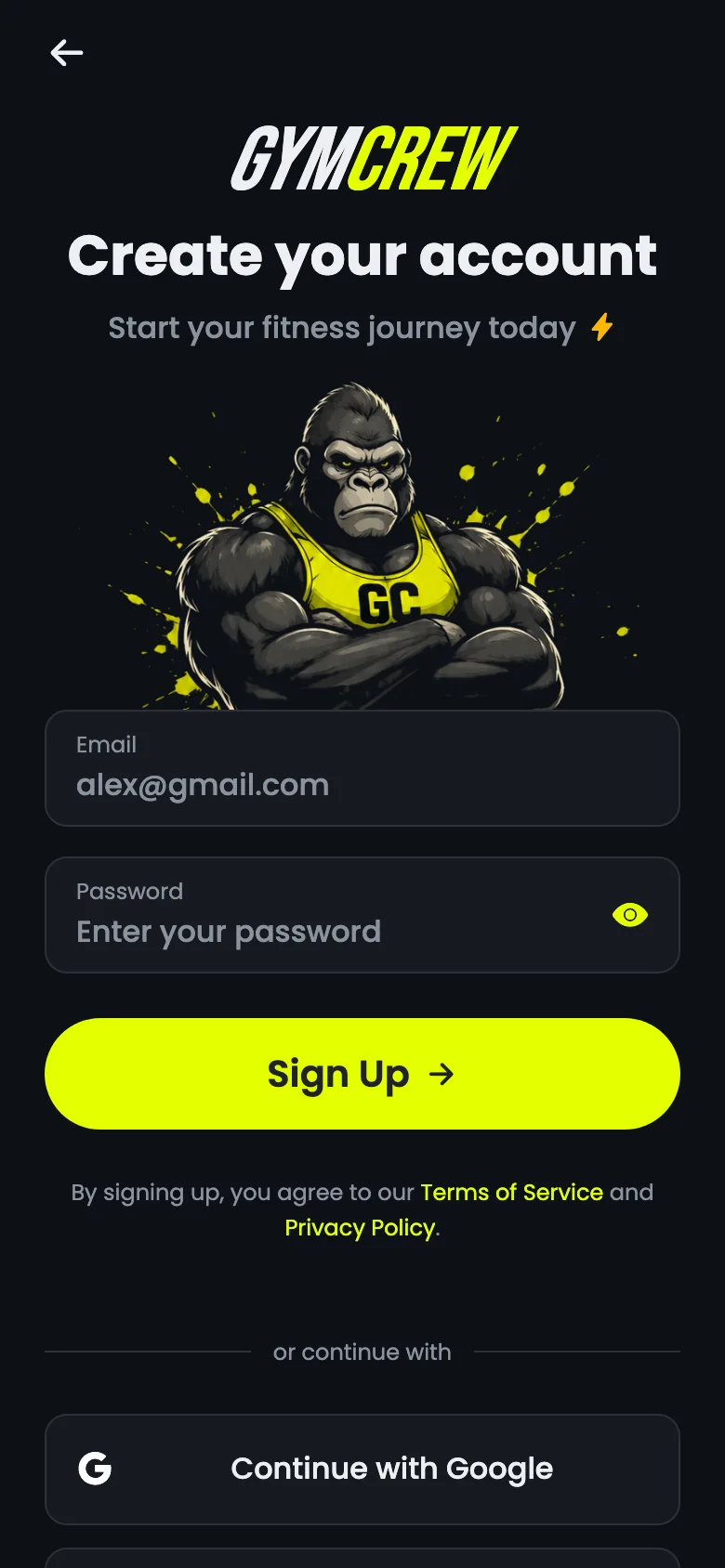
On the sign-up screen you can:
- Use your email and a password. GymCrew sends a verification code to your email. Enter it and your account is created.
- Continue with Google, Facebook or Apple. One tap, no password to remember.
The screen links to the Terms of Service and the Privacy Policy.
Signing up always makes a new account
If you open the sign-up screen while you are still signed in, GymCrew signs you out first. That way the form always creates a genuinely new account and never mixes your data with a previous one.
Signing in
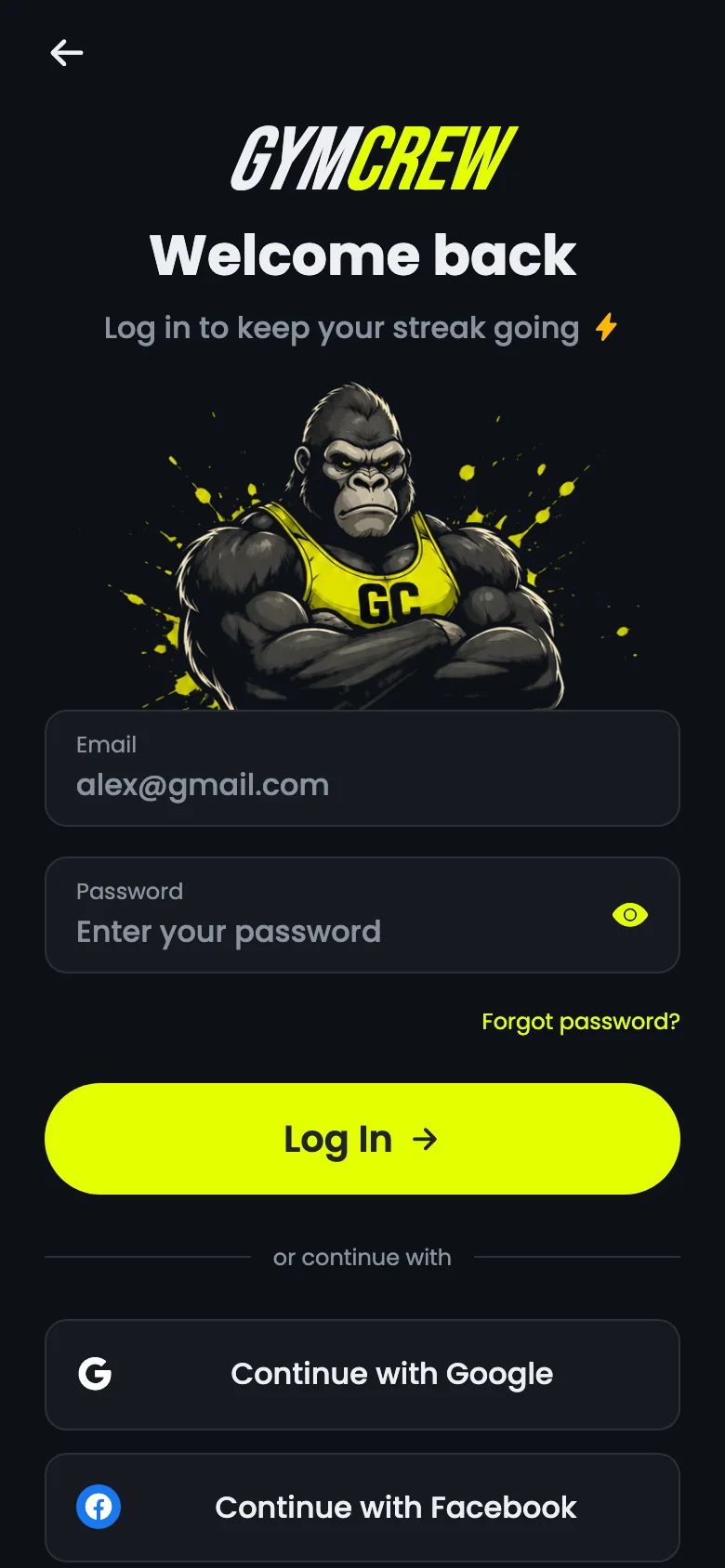
Sign in with your email and password, or with the same social button you used to sign up.
- On a new or unrecognised device you may be asked for a code sent to your email. This is a security step, and you only enter it once per device.
- Your workouts, records, crew and settings come with you. They are saved to your account, so signing in on a second device shows the same data.
- If sign-in takes unusually long, the screen shows Taking longer than expected with a Try Again button, so you are never stuck on a spinner.
Forgot your password?
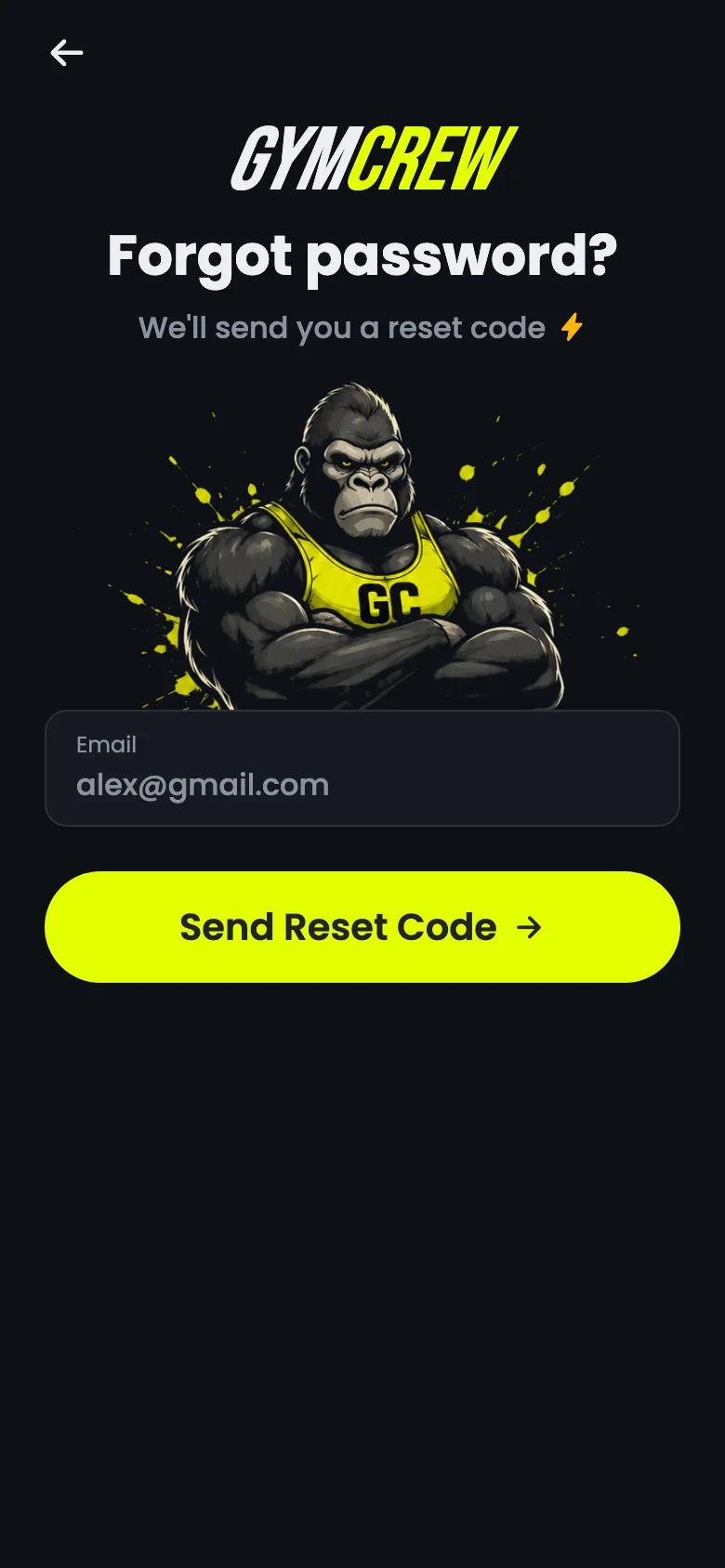
Use Forgot password on the sign-in screen. GymCrew emails you a code, and you choose a new password. Accounts created with Google, Facebook or Apple have no GymCrew password; sign in with that provider instead (you can also set a password later under Profile, then Account).
Coming from the GymCrew website
People who joined as a Founding Athlete on the GymCrew website get an Open the App button. It signs them straight in, and they are placed into their crew automatically, so they skip crew setup. See Founding Athletes.
Signing out and deleting your account
Both live under Profile, then Account. Deleting your account removes your data. If you founded a crew, the crew is deleted with it.